What is an AI pet portrait generator?
An AI pet portrait generator takes an ordinary photo of your dog, cat, bird, or rabbit and transforms it into original artwork — watercolor, oil painting, royal portrait, or pop art. It works on any phone, no artistic skill required.
Pawtraits uses advanced image generation to create a painting that looks like a human artist spent hours on it. The whole process takes about 60 seconds. Your first portrait is free.
Step-by-step: How to make an AI pet portrait at home
You don't need a professional camera. Your smartphone is all you need. Follow these steps for the best results:
1. Set up your shot
Place your pet in a well-lit area — natural light from a window is ideal. Avoid harsh direct sunlight, which creates unflattering shadows. A cloudy day or soft indoor light works beautifully.
2. Get the angle right
The best pet portraits come from photos taken at your pet's eye level. Crouch down, sit on the floor — whatever it takes to shoot from their perspective. Front-facing or 3/4 view works best. Avoid shots from directly above looking down.
3. Focus on the eyes
Your phone camera will try to focus on everything. Tap on your pet's eyes to tell it where to focus. Sharp, clear eyes are the single most important factor in a great portrait.
4. Take multiple photos
Snap 5-10 photos from slightly different angles and distances. Pick the best one — slightly farther is better than too close. You want to see the whole face, ears, and a bit of the chest or shoulders.
Pro tip
Include a bit of your pet's personality. A goofy tongue-out shot or a regal head tilt will look great in any style. The AI captures the mood as well as the features.
Here's what a real phone photo looks like transformed into each of our 4 styles:
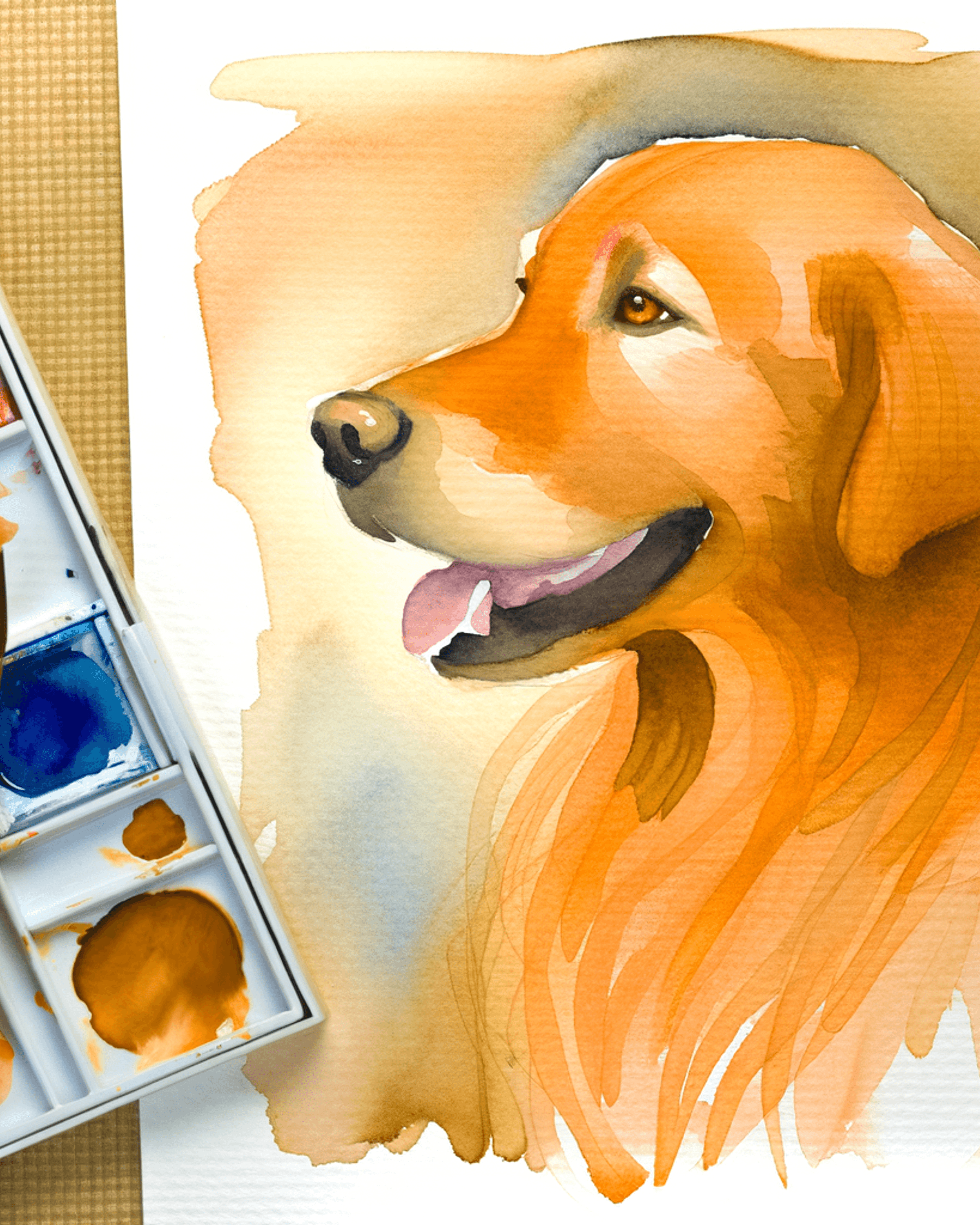
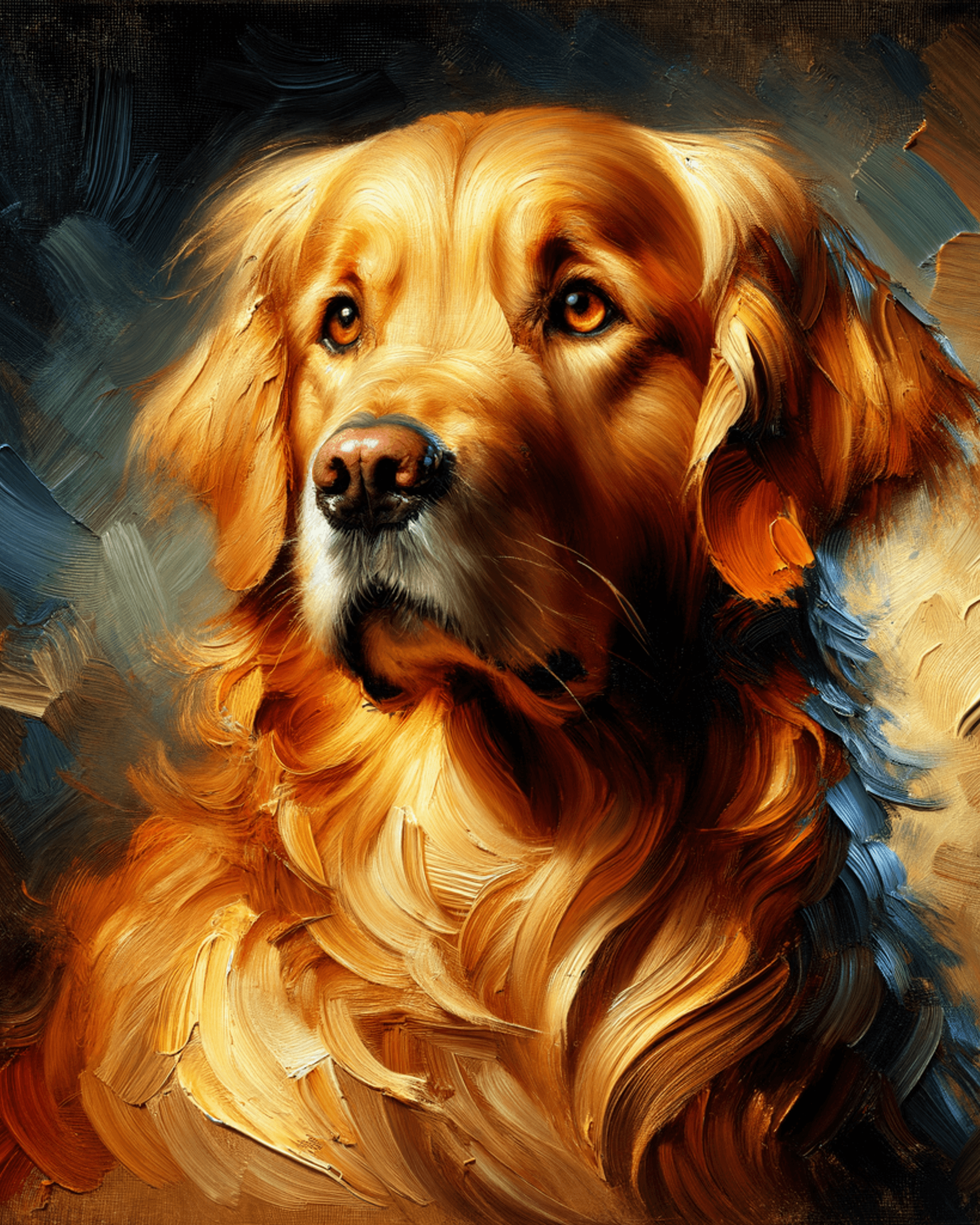
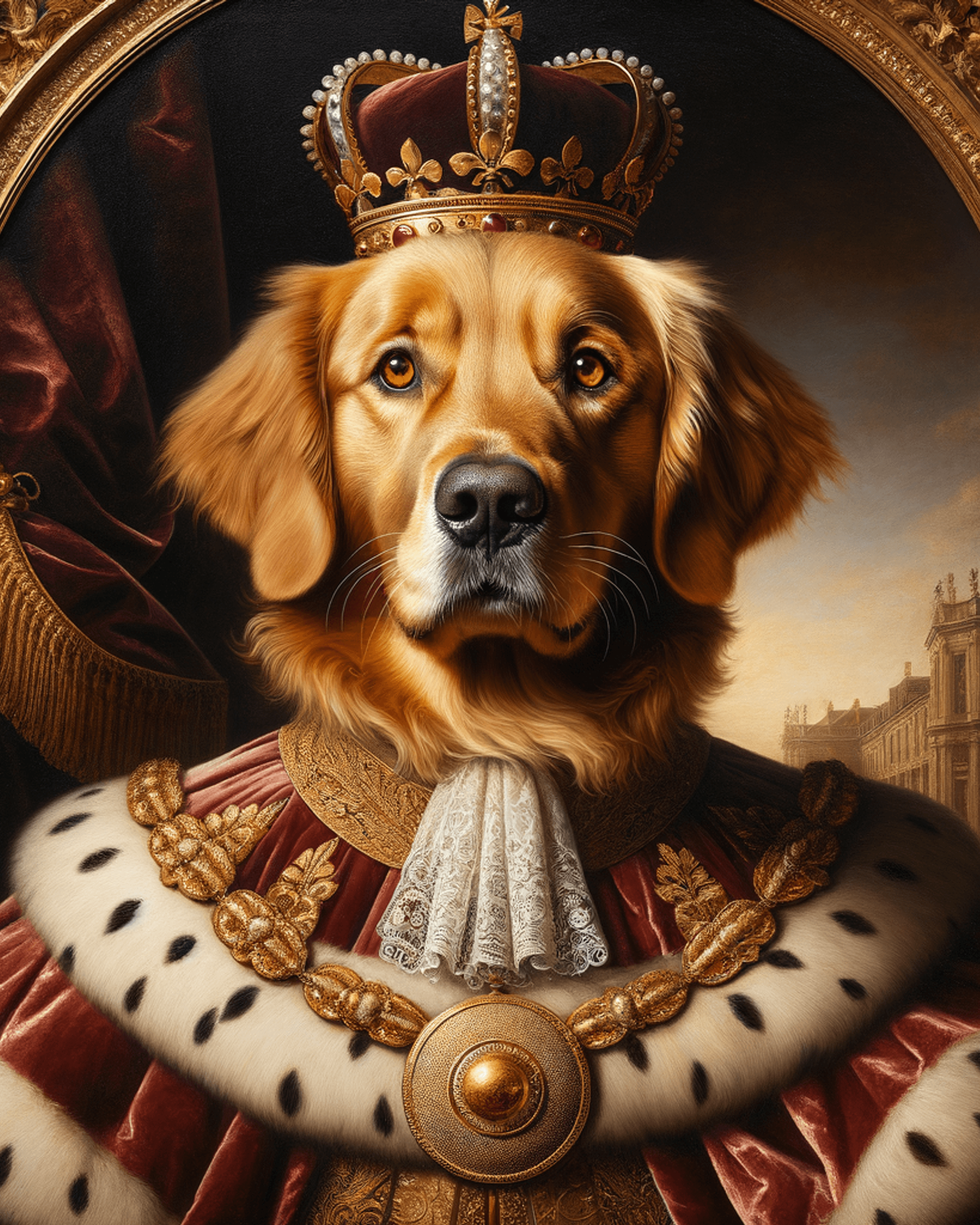
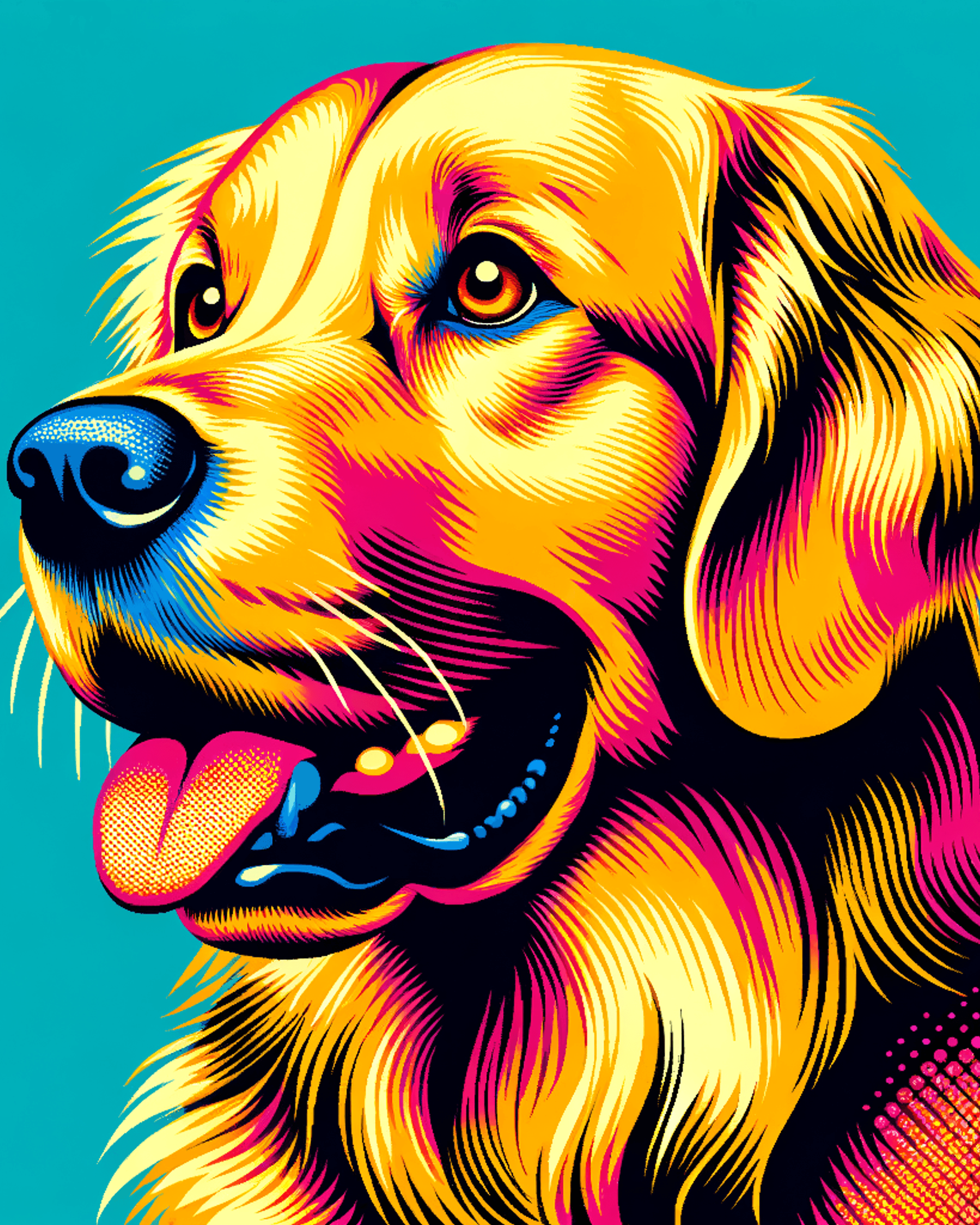
4 pet portrait styles compared
Not sure which style to choose? Here's a side-by-side look at what each one delivers:
| Style | Best for | Look & feel | Print quality |
|---|---|---|---|
| 🎨 Watercolor | Gifts, nurseries, soft aesthetic spaces | Delicate, translucent brushstrokes, light color washes | Excellent — soft texture works great at all sizes |
| 🖌️ Oil Painting | Family photos, living rooms, classic decor | Rich depth, layered color, dramatic chiaroscuro lighting | Exceptional — texture and depth show beautifully in print |
| 👑 Royal Portrait | Statement pieces, formal rooms, framed above a mantle | Regal, ornate, gold frame effect, museum quality | Outstanding — detail holds at 16×20" and larger |
| ⚡ Pop Art | Playrooms, offices, fun gifts, modern spaces | Bold outlines, vivid colors, halftone dots, Warhol energy | Strong — graphic style prints sharply at any size |
Tips for the best AI pet portrait results
A few things make a big difference in the quality of your generated portrait:
Photo quality matters — but not how you think
You don't need a DSLR. What matters is clarity and lighting. A slightly blurry photo from your phone can still produce a great portrait if the lighting is good and the pet's face is visible. Grainy, dark photos with low light produce lower quality results.
Good lighting is the #1 factor in a great output. Even a moderately lit photo in natural window light will outperform a perfectly composed flash photo.
The single best photo tip
Include both eyes clearly. AI portrait generators use both eyes to establish facial structure and personality. If one eye is hidden, partially closed, or in shadow, the portrait can lose that characteristic "your pet" quality. Front-facing photos with both eyes open and well-lit consistently produce the best results.
What about groups?
Single-pet photos work best. Multi-pet photos (two dogs in one image) tend to produce lower quality results — the AI has to split attention between two subjects. If you want portraits of two pets, generate them separately and hang them side by side.
Background and framing
A clean, simple background helps. Cluttered backgrounds with lots of objects don't break the AI, but simple backgrounds make the portrait cleaner. Full-body shots work too — the AI will frame the portrait around the pet's face automatically.
Ready to choose a style?
Each style has its own dedicated page with full previews. No signup required to browse.
Frequently asked questions
Does the free portrait have a watermark?
Your first portrait is free and delivered as a clean 72 DPI file with no watermark. Perfect for sharing digitally or testing the quality before upgrading to a print-ready 300 DPI file.
What print sizes are available?
All portraits are generated at 300 DPI and available in 4 standard sizes: 5×7", 8×10", 11×14", and 16×20". These sizes fit standard off-the-shelf frames you can buy anywhere — no custom framing needed.
What pets work best?
Dogs and cats produce the most consistent results. Birds, rabbits, hamsters, and other pets with distinctive faces also work well. Short-snouted breeds (pugs, bulldogs) can sometimes lose definition — use a clear, well-lit front-facing photo if your pet has a flat face.
How do I frame the portrait?
Download the 300 DPI file, upload it to any online print service (Walmart, CVS, Walgreens), and choose the matching frame size. Standard frame sizes mean you can find a frame at any home goods store — no custom sizing required.
Can I use a screenshot or social media photo?
Screenshots and heavily compressed social media photos lose detail that the AI needs. Higher resolution originals produce better results. If you only have a compressed version, try it anyway — lower quality inputs still sometimes produce great outputs, especially with Watercolor and Pop Art styles.
Start with your free portrait
No account needed. No credit card required. Just upload a photo, pick a style, and download your first portrait. If you like it, upgrade to print resolution. If not, you still have a free digital portrait to keep.
The whole thing takes under a minute. Most people find it hard to stop at one.
Your pet is already a masterpiece
Upload a photo. Pick a style. Get your first portrait free — no signup required.
Create Your Free Portrait → Print-ready upgrade: $12 · No credit card for free portrait